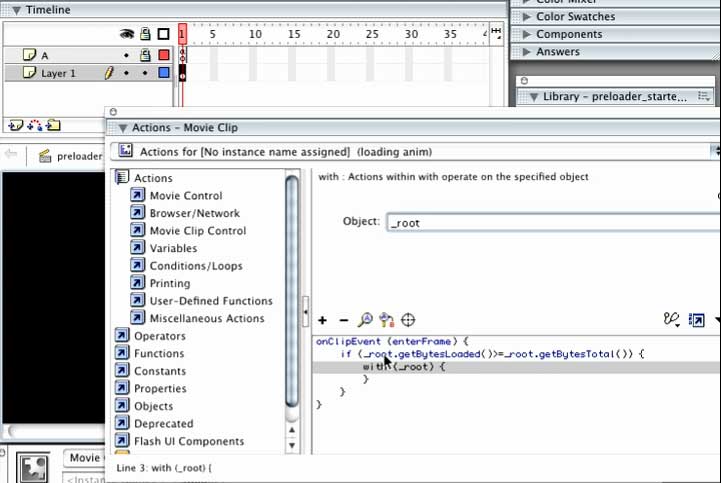
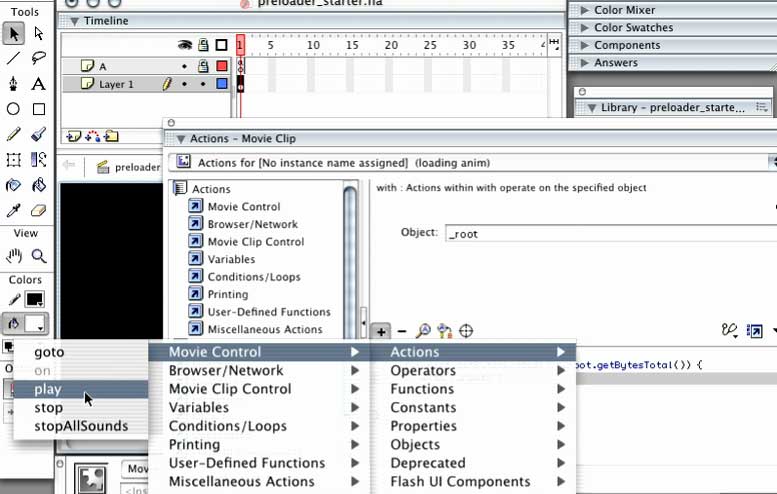
Link to preloader you can copy and past into our project
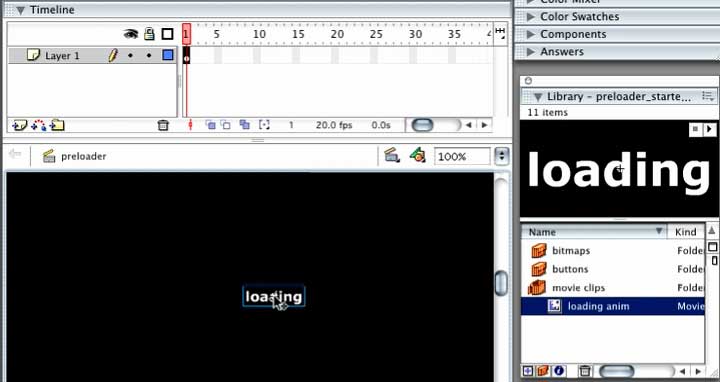
You can change the logo movie clip to a graphic of your choice
2. Copy and past the preloader layers and frames into your .fla project file
2a. Make sure the proloader is infront of your project — the first frames in your .fla file
3. Replace the basketball image with the 1st frame of your 1st sceene
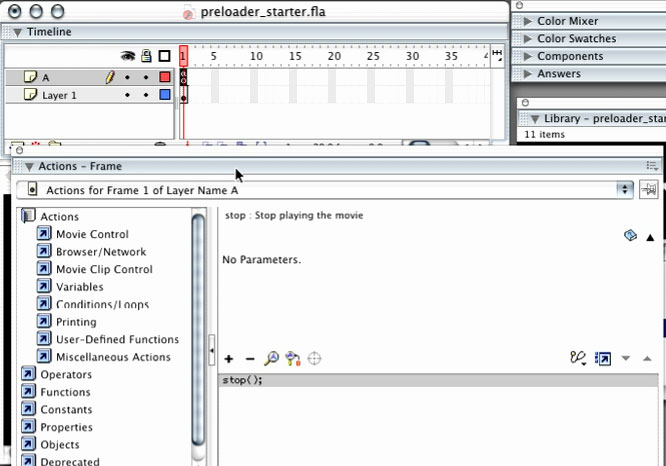
4. Make sure the "Action Layer" 2nd frame stops at the 1st frame of your project
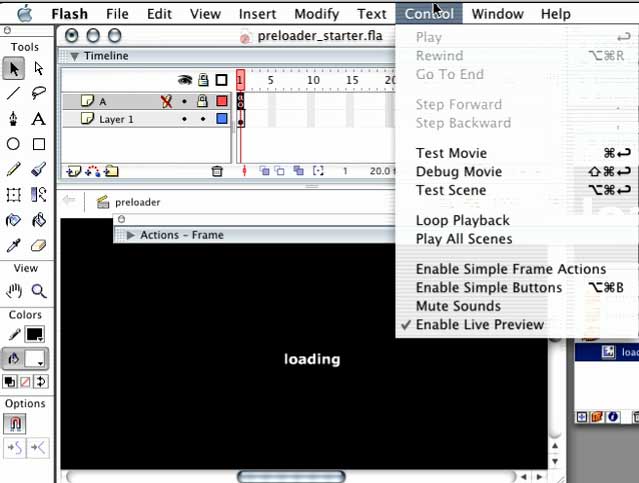
To test the preloader on Mac: Cmd +_ Return to test on PC Ctrl+Enter
If content appears to qucikly for you to see the preloading try publishing and uploading your project to the Web.
If you still do not see the preloader graphic animation then your project dows not need a preloader
Preloader tutorials:
http://tutorials.learnflash.com/tutorials/flash/preloader.html
http://www.viddler.com/explore/dorklessons/videos/12/
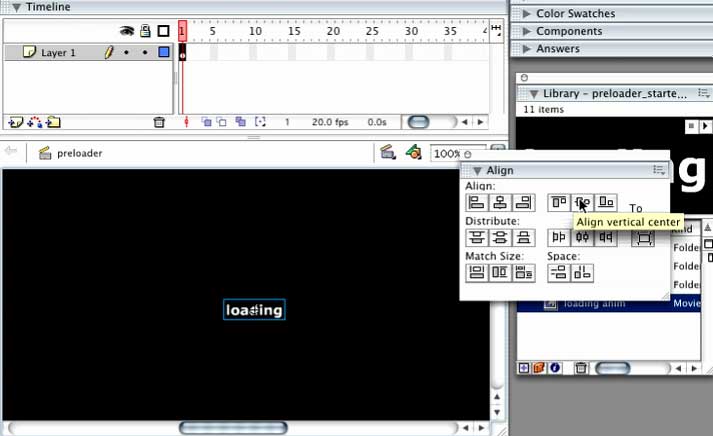
Simple step by step preloader
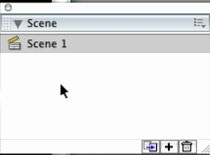
The first scene must be named main
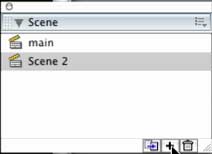
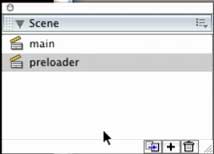
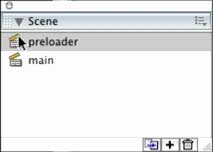
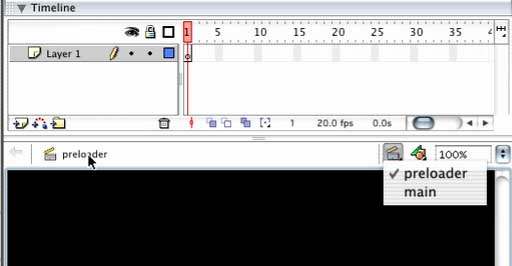
The preloader must be the first scene
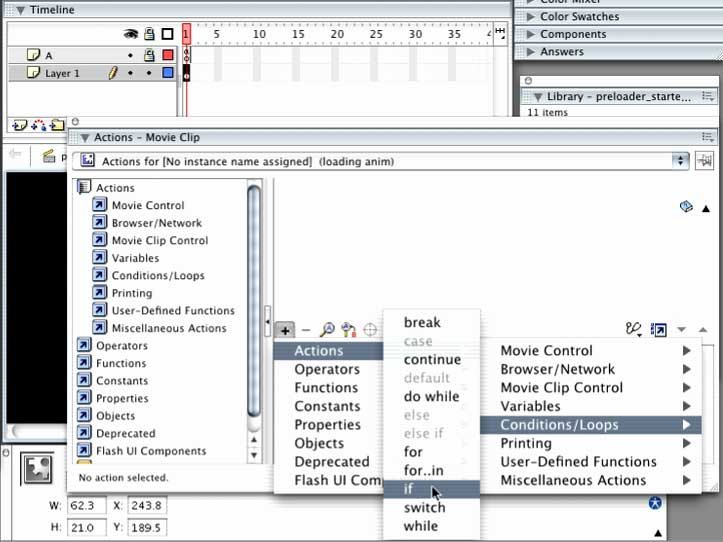
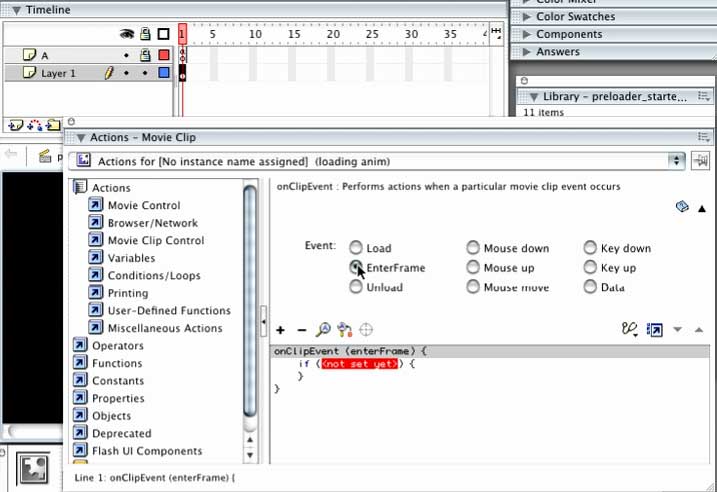
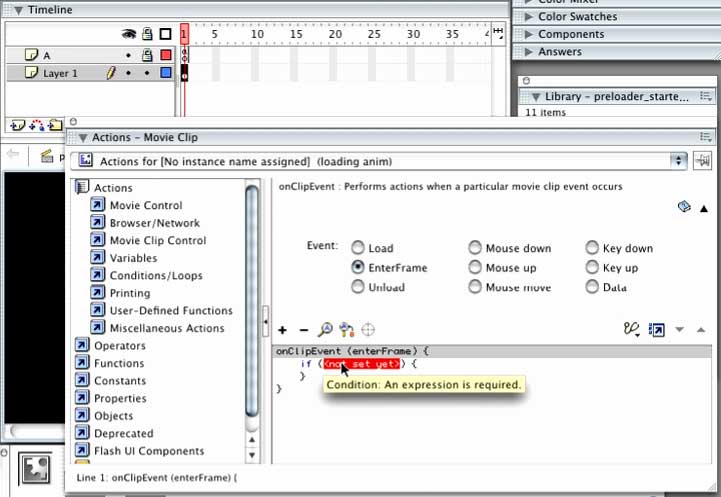
in Object: TYPE _root
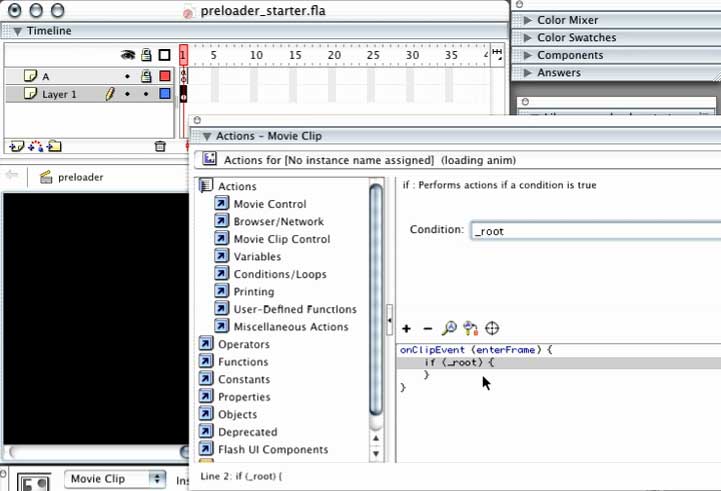
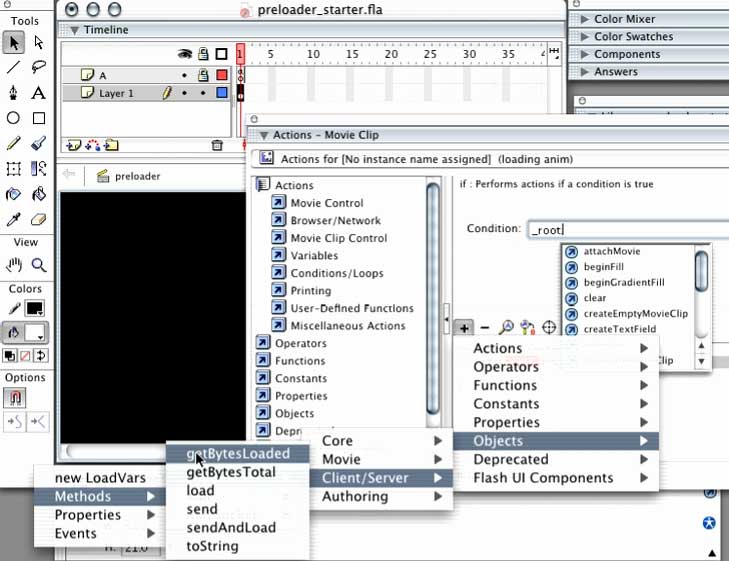
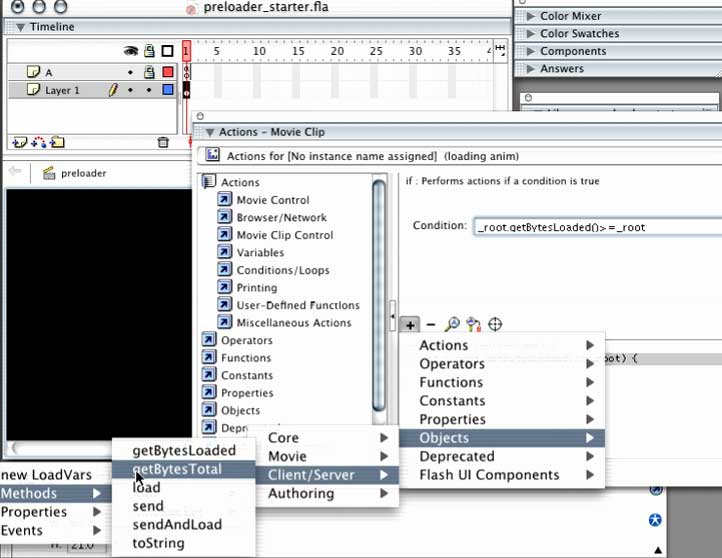
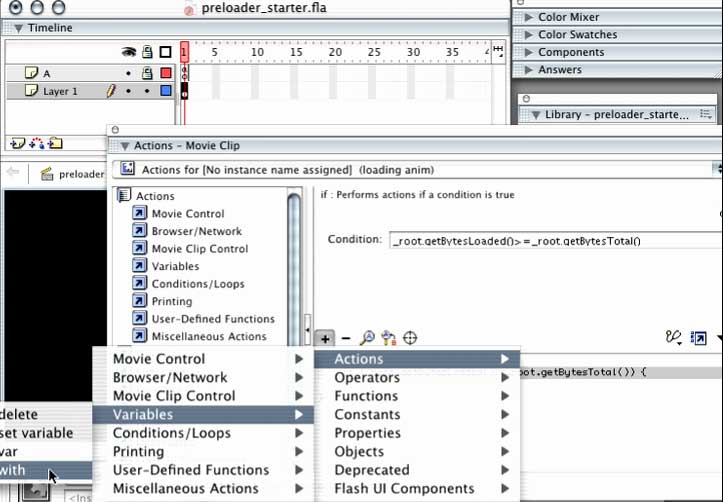
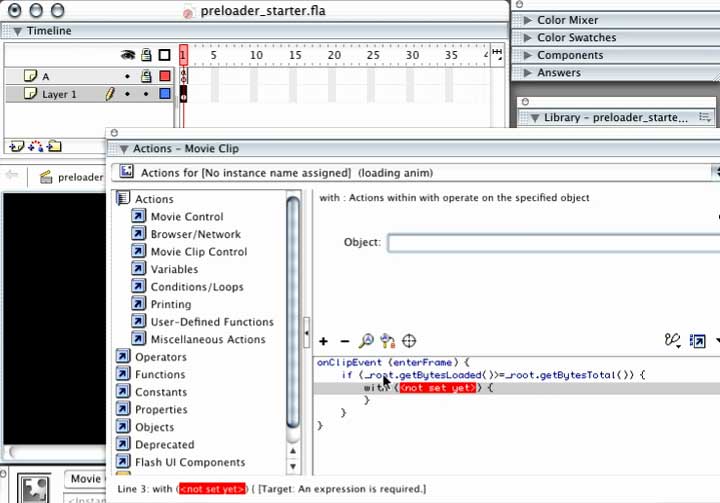
in Object: TYPE _root